
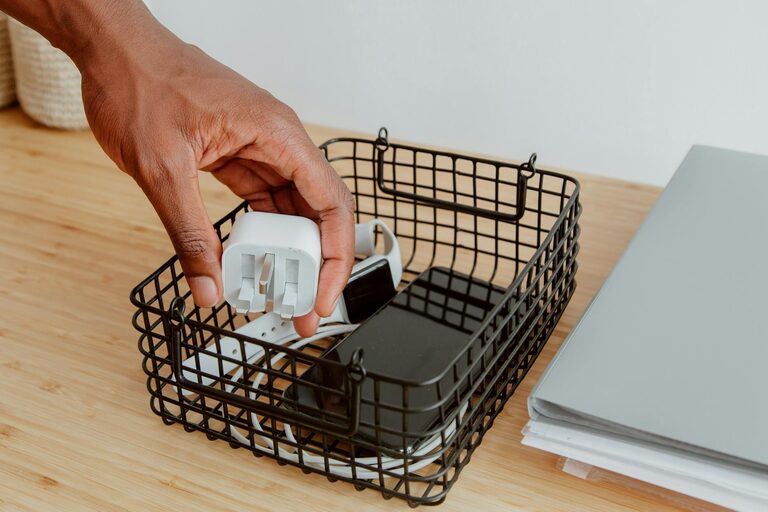
Keeping cables and chargers organized can feel like a never-ending challenge. With so many devices around—smartphones, laptops, tablets, and more—it’s easy for cords to get tangled, misplaced, or cluttered. However, a neat cable setup makes your space look cleaner, helps your devices last longer, and saves you time hunting for the right charger.
In this post, we’ll explore simple, practical methods to organize cables and chargers in your home or office. Whether you have just a few cords or a whole drawer full, these tips will help you create an efficient, frustration-free system.
Why Organizing Cables Matters
Before diving into solutions, it’s good to understand the benefits of organizing cables:
– Avoid Damage and Tangling: Tangled cables can weaken and break over time.
– Save Time: Find the right charger or cable quickly.
– Improve Safety: Reduce tripping hazards and overheating from cluttered cables.
– Create a Tidy Look: A clean and organized space feels more relaxing and productive.
Step 1: Gather and Sort Your Cables
Start by collecting all your cables and chargers from around your home or workspace. Sorting helps you see exactly what you have and identify what you no longer need.
Tips for Sorting:
– Categorize by Device: Group smartphone chargers, laptop cords, and other device-specific cables separately.
– Check for Duplicates: Keep extras for convenience but donate or recycle ones you don’t need.
– Inspect Condition: Toss cables that are damaged or frayed.
Step 2: Choose the Right Storage Solutions
Finding the right storage system makes organizing easier. Here are some popular options:
Cable Organizers and Holders
– Cable Clips: Attach these to desks or walls to keep cords in place and prevent slipping.
– Cord Winders and Reels: Perfect for longer cables, they keep extra length neatly wrapped.
– Cable Sleeves: These fabric or plastic sleeves bundle multiple cables, reducing clutter.
Boxes and Drawers
– Charging Stations: Boxes designed with openings for cables and plugs keep chargers hidden but accessible.
– Drawer Organizers: Inserts or trays help separate cables so they don’t get mixed up.
– Plastic Bins or Pouches: Label them to store cables by type—great for infrequently used cords.
DIY Ideas
– Toilet Paper Rolls: Use empty rolls to wrap individual cables and keep them separated.
– Binder Clips: Clip cables and use the metal part to hold them in place on tables or inside drawers.
– Velcro Straps: Reusable straps make bundling and unbundling simple.
Step 3: Label Your Cables
Labeling removes guesswork, especially if you store cables in boxes or drawers. Use small stickers, tape, or commercially sold cable labels.
Ideas for Labeling:
– Write the device name or purpose (e.g., “Phone Charger” or “Headphones”).
– Use color-coded labels for quick identification.
– Include length or type if you own several similar cables.
Step 4: Create a Charging Station
Instead of plugging chargers everywhere, set up a dedicated charging area. This helps centralize power sources and keeps cables tidy.
How to Set Up:
– Use a power strip with multiple outlets.
– Position charging docks or stands for your devices.
– Arrange cables neatly with clips or sleeves.
– Keep all chargers ready in one spot for convenience.
Step 5: Regular Maintenance
Cable organization requires periodic upkeep to remain effective.
– Schedule a Monthly Check: Remove unused or broken cables.
– Keep Practices Consistent: Always wrap cables properly after use.
– Update Labels: Replace faded or damaged labels.
Bonus Tips for Specific Spaces
Home Office
– Use under-desk trays to hide power strips and excess cables.
– Mount USB hubs near your workspace to reduce cable runs.
Living Room
– Bundle TV or gaming console cables with cable ties or sleeves.
– Use decorative baskets or boxes for extra chargers.
Travel
– Keep a travel pouch with essential chargers, neatly coiled and labeled.
– Use small, flexible organizers to separate cables and adapters.
Conclusion
Organizing cables and chargers doesn’t have to be overwhelming. By collecting all your cables, choosing the right storage methods, labeling, and maintaining the system, you can enjoy a clutter-free space that looks great and functions efficiently.
Try implementing a few of these ideas today and see how much easier it becomes to keep your electronic accessories under control! Happy organizing!